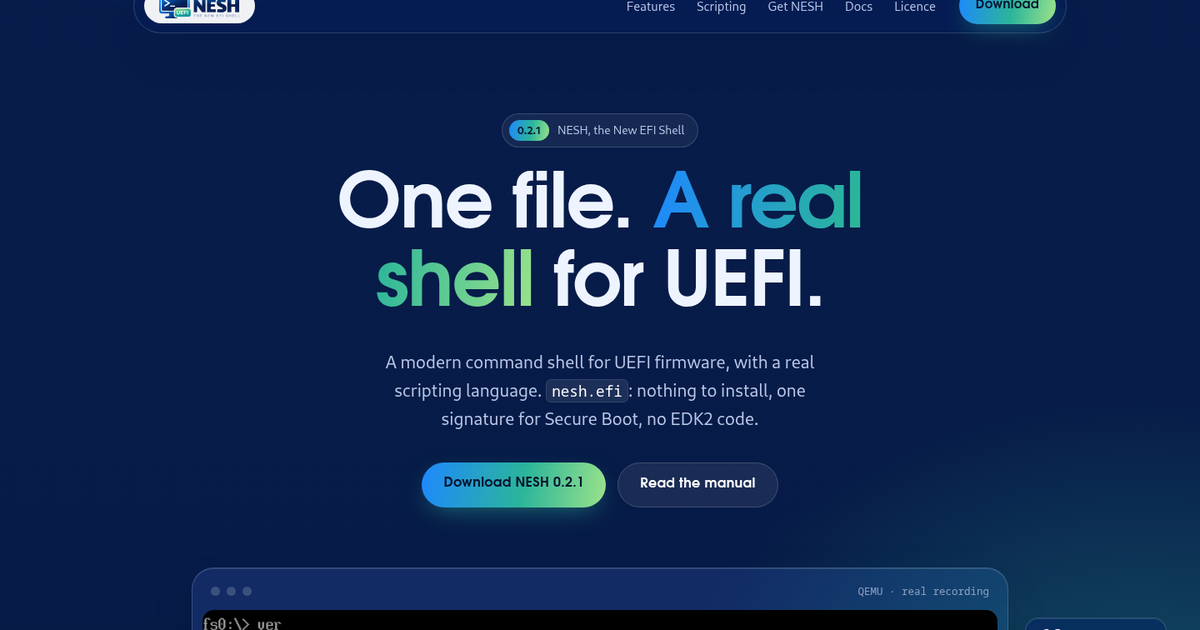


One file. A real shell for UEFI.
0.2.1NESH, the New EFI Shell
One file. A real shell for UEFI.
A modern command shell for UEFI firmware, with a real scripting language. `nesh.efi`: nothing to install, one signature for Secure Boot, no EDK2 code.
Download NESH 0.2.1 Read the manual
QEMU · real recording
\~363 KBnesh.efi, all built in
80+commands documented
50+BASIC functions
2.2EFI\_SHELL\_PROTOCOL
Recorded in QEMU: `ver`, `map`, the example scripts, and a menu written in NESH BASIC listing the firmware boot entries.
Why a new shell
Built for work below the OS
For system administrators, firmware and BIOS enthusiasts, and anyone who repairs boot problems, tests hardware, or automates tasks before an OS starts.
1
One file
Everything is built into `nesh.efi`. Nothing to install.
2
One signature
One file to sign for Secure Boot.
3
A real language
NESH BASIC, instead of the old `.nsh` scripts.
4
From scratch
The UEFI Shell command set, rewritten. No EDK2 code.
Features
All in version 0.2.1
The UEFI Shell command set, rewritten from scratch
Files, disks, UEFI variables, drivers and devices, PCI/SMBIOS/ACPI, memory, network, editors. UEFI Shell options are accepted too. More than 80 commands are documented in the user manual.
ifconfigpingtftphttpIPv4IPv6edithexedit
50+
NESH BASIC
Built-in functions for `.nsb` scripts.
Scripts that drive commands
Variables, loops, `SUB`/`FUNCTION`, strings, arrays, menus, files, and `RUN`/`RUN$`.
Script-friendly output
`-data` prints `key=value` records that scripts read with `RECORDS` and `FIELD$`.
Safe boot management
`bootmgr`: dry run, confirmation, automatic backups, check for missing files. `bcfg` too.
Runs UEFI Shell applications
NESH implements `EFI_SHELL_PROTOCOL` 2.2.
A friendly prompt
History with search, Tab completion, aliases, BASIC at the prompt.
Secure Boot aware
Low-level hardware writes are disabled while Secure Boot is active; reading stays allowed.
One file
Everything is built in: `nesh.efi` is about 363 KB. No EDK2 code: every command was rewritten from scratch.
NESH BASIC
Script your firmware in BASIC
Write `.nsb` scripts, or type BASIC at the prompt. Commands are driven with `RUN` and `RUN$`.
examples\\menu.nsbexcerpt
' menu.nsb - a maintenance menu: choose an action, do it, come back. target$ = "fs1:" ' where backups go
DO CLS PRINT "NESH maintenance - volume for backups: "; target$ PRINT
choice = MENU("What do you want to do?", _ "Show the system|" + _ "List the boot entries|" + _ "Back up the boot loaders|" + _ "Choose the backup volume|" + _ "Leave the menu")
SELECT CASE choice CASE 1 RUN "sysinfo" CASE 2 RUN "bootmgr list"
BASIC at the prompt
fs0:\> PRINT HEX$(&HFF * 16) FF0 fs0:\> n = 0 fs0:\> FOR i = 1 TO 5 ... n = n + i ... NEXT fs0:\> PRINT n 15
map -datafirst record
fs0:\> map -data kind=volume volume=fs0 label=QEMU VVFAT size=528171008 free=527351808 readonly=yes removable=no boot=yes
`-data` prints `key=value` records, read with `RECORDS` and `FIELD$`. Examples shipped: `bootmenu.nsb`, `findefi.nsb`, `inventory.nsb`, `linuxboot.nsb`, `menu.nsb`.
Sessions
Exact output, from QEMU
mapsysinfobootmgrping · tftp
fs0:\> map Volume Label Size Free Flags fs0 QEMU VVFAT 503.7M 502.9M ro boot fs1 NESHWORK 31.9M 31.9M
Device Type Size Volume blk0 removable - (no media) blk1 disk 504M blk2 partition 503M fs0 blk3 disk 32M fs1
fs0:\> sysinfo Firmware: Debian distribution of EDK II (revision 0x00010000) UEFI: 2.7 Secure Boot: inactive CPU: QEMU Virtual CPU version 2.5+ / GenuineIntel Memory: 511 MiB Console: 100 x 31 Graphics: 1280 x 800 (mode 0 of 30), frame buffer at 0x80000000 Tables: 10 configuration tables, ACPI, SMBIOS
fs0:\> bootmgr BootCurrent: 0001 BootNext: - Timeout: 0 s Ord Id Flg Description 1 0000 AH UiApp 2 0001 A * UEFI Misc Device 3 0002 A UEFI Non-Block Boot Device 4 0003 A EFI Internal Shell Flags: A active, H hidden, * current boot, N next boot. '-' in Ord: not in the boot order.
fs0:\> ping -n 3 10.0.2.2 Ping 10.0.2.2 16 data bytes. 16 bytes from 10.0.2.2 : icmp_seq=1 ttl=255 time=0ms 16 bytes from 10.0.2.2 : icmp_seq=2 ttl=255 time=0ms 16 bytes from 10.0.2.2 : icmp_seq=3 ttl=255 time=0ms
3 packets transmitted, 3 received, 0% packet loss fs0:\> tftp 10.0.2.2 hello.txt fs1:\tftp.txt Downloading hello.txt from 10.0.2.2 ... 20 bytes saved to fs1:\tftp.txt
Safe by design
Careful where it counts
Boot entries, with `bootmgr`
- Dry run — shows a change without making it
- Confirmation — asked before changing the boot entries
- Backups — made automatically
- Missing files — checked for
`bcfg` is there too.
Secure Boot aware
While Secure Boot is active, low-level hardware writes are disabled; reading stays allowed. NESH prints this line when it is active:
Secure Boot is active: low-level hardware writes are disabled.
Status · hardware reports
Tried it on a real machine?
Version 0.2.1 is tested in QEMU with OVMF, including Secure Boot with test keys. On real machines it has so far only been started on two — a Chuwi tablet and a server with a Gigabyte motherboard — where the prompt came up, `dir` listed the files and NESH booted Linux.
What AMI, Insyde or Phoenix firmware makes of the rest is the project’s main open question.
Write to nesh@nicfio.it, with the output of `ver`, `sysinfo`, `map` and `smbiosview -t 1` if you can. A machine where everything worked is as useful a report as one where nothing did.
Get NESH
Three steps in
Version 0.2.1: nesh-usb.img · nesh.efi · SHA256SUMS
1
USB image
`nesh-usb.img` (64 MB), a bootable disk image: write it to a USB stick and boot it.
dd if=nesh-usb.img of=/dev/sdX bs=4M conv=fsync
On Windows: Rufus, balenaEtcher.
2
nesh.efi
About 363 KB. Copy it to a FAT-formatted USB stick or EFI system partition, as `\EFI\BOOT\BOOTX64.EFI` to boot it directly, or add a boot entry with `bootmgr add`.
With Secure Boot active, sign it with a trusted key first (see the user manual).
3
Check the download
Put `SHA256SUMS` next to the files you downloaded and check them.
sha256sum -c --ignore-missing SHA256SUMS
The licence comes with the files: LICENSE.txt, NOTICE.txt.
Documentation
Read more
User ManualThe commands and NESH BASIC. Technical ManualThe internals of NESH. LicenceThe NESH Freeware Licence, in full.
Licence
Free of charge
NESH is freeware. Use it for anything, at home or at work, also as a tool in paid work; copy it and give it away unchanged, also in free collections of tools; sign it with your own Secure Boot keys. What you may not do is sell NESH, include it in a product or service that is sold, modify it, or decompile it beyond what the law allows — that needs a written licence: write to nesh@nicfio.it.
The full text is the NESH Freeware Licence, which applies from version 0.3.0. Version 0.2.1, available here, was released under the Apache License 2.0 with the Commons Clause, and keeps it.