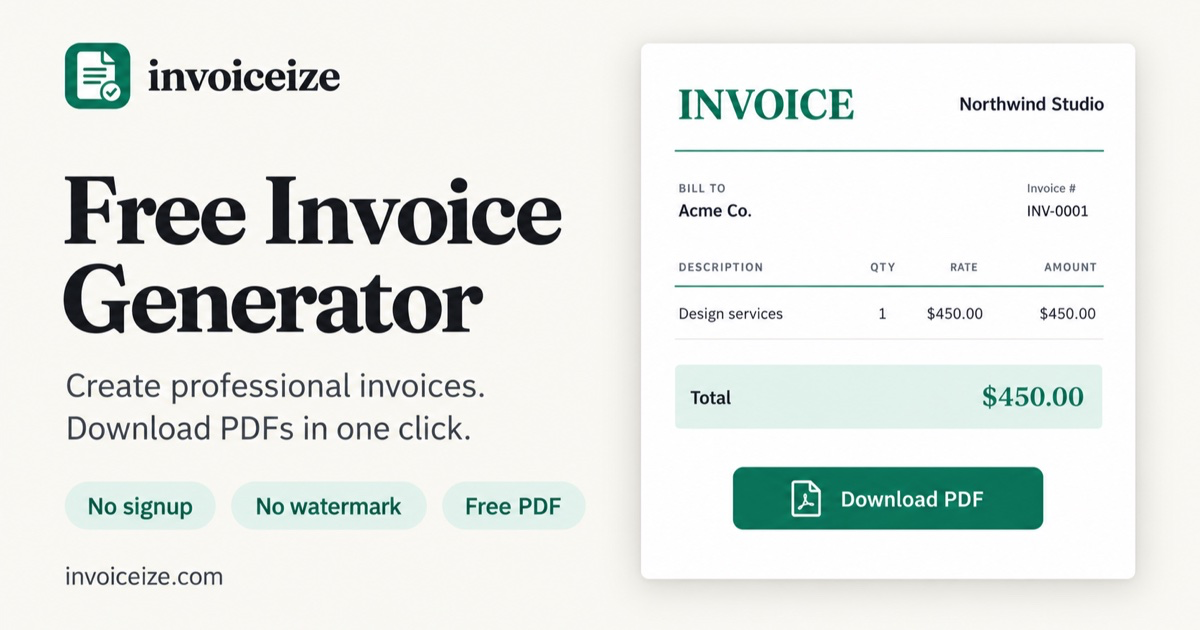
Free Invoice Generator
Free Invoice Generator
Type on the left. Your invoice builds itself on the right. Download a PDF in one click.
- No signup to download
- No watermark
- Saved in this browser
- A Invoice number Unique, counts up on its own
- B Issue and due date So clients know when to pay
- C Both parties Your details and your client's
- D Line items Quantity × rate, per line
- E Tax and total Calculated for you
- F Payment notes Bank, PayPal, terms
- ### Live preview as you type The form sits on the left and the finished page on the right. Click any text on the invoice itself to edit it in place; both sides stay in sync.
- ### Totals that add up to the cent Line totals, subtotal and balance due are calculated with exact math and rounded to your currency: no decimals for yen, three for dinars. Use any ISO currency code.
- ### Tax, discounts and shipping Add tax or a discount as a percentage or a fixed amount, plus shipping. Record a deposit under amount paid and the balance due updates itself.
- ### Three layouts, your color, your logo Switch between the Classic, Modern and Minimal layouts, pick any brand color and heading font, and upload your logo for a branded invoice.
- ### Save your brand once The Brand Kit keeps your logo, color, business details and payment info. Every new invoice starts with them, so you only type the client and the work.
- ### No account, saved in your browser Drafts save automatically in this browser. Reopen, duplicate or delete past invoices from My invoices, with nothing to sign up for.
- ### PDF download or print Download a clean PDF with no watermark on US Letter or A4, or print straight from the page. Long invoices break across pages between rows, never through one.
- ### Paste rows from a spreadsheet Copy line items from Excel or Google Sheets and paste them into a description field. Each row becomes its own line, with quantity and rate split into their columns.
- ### Every word is editable Rename “Invoice” to “Tax Invoice” or “Bill to” to “Client”, add custom fields such as a PO number or tax ID, and hide the sections you don't need.
- Freelancers Designers, writers, developers and other independents billing a client for a project or a milestone. Project line items, your logo, payment details and a due date. Freelance invoice template →
- Hourly work Tutors, assistants, cleaners and anyone who tracks time and bills it at an hourly rate. Hours × rate on every line, with the total worked out for you. Hourly invoice template →
- Consultants Advisors and agencies charging a monthly retainer, a fixed project fee, or both. Retainer and project lines, payment terms and a clean, modern layout. Consulting invoice template →
- Contractors Trades and builders who bill labor and materials for a job, often after taking a deposit. Labor and materials on separate lines, amount paid and balance due. Contractor invoice template →
EditPreview
Scan & fillTry with sample dataNew invoice
0 of 4 done · Add your business name
1Your business
Upload logoPNG, JPG or SVG
Business nameEmail
AddressMore details
2Bill to
Client nameClient email
Client addressMore detailsShip to address
3What are you charging for?
DescriptionQtyRateAmount
1. $0.00 Add details Add line
Tip: copy rows from Excel or Google Sheets and paste them into any line.
4Details
Invoice #CurrencyIssue dateDue datePayment termsPO number
Add custom field
Show on invoice
Due datePayment termsPayment methodTax
%Amount
Tax
DiscountShippingAmount paid“Paid” stamp
Payment details
Notes
Terms & conditions
Signature lines
Footer textFooter text
“Made with invoiceize.com” credit
Customize wording
Rename any label printed on the invoice. You can also click a label on the preview.
Document titleBill toShip toInvoice #DateDue dateTermsPayment methodPO #Tax IDDescriptionQtyRateAmountSubtotalDiscountTaxShippingTotalAmount paidBalance dueNotesTermsPayment detailsPaidAccepted bySignatureDate
Reset to default wording
ClassicModernMinimal
Custom color
Heading font
US LetterA4
Bill toClient name [\[email protected\]](https://invoiceize.com/cdn-cgi/l/email-protection)
Invoice #INV-0001Date—Due date—TermsNet 30
| Description | Qty | Rate | Amount | | ----------- | --- | ------- | ------- | | Logo design | 1 | $450.00 | $450.00 |
Subtotal$450.00Tax (0%)$0.00
Total$450.00
Click anything on the invoice to edit it.
Download PDF · Free
PrintRemove footerSave copy
Create receiptGot paid? Make a receipt for the full amount.
Total$0.00
Download PDF
How to make an invoice in 3 steps
From a blank page to a PDF you can send, in about two minutes.
1. 01
Fill in who and what
Your business, your client, and each thing you are charging for. Totals and tax add up as you type. 2. 02Pick a look
Switch between the Classic, Modern and Minimal invoice templates and set your color. Add your logo for a branded invoice. 3. 03Download and send
Get a clean PDF with no watermark. Email it to your client, or print it. Read the full guide: how to make an invoiceWhat goes on an invoice
Every invoice you make with this invoice generator already has the parts clients and accountants look for.
What is an invoice? Read the guide
The six parts of a complete invoice
Everything a small business invoice needs
Invoiceize is built for people who send a handful of invoices a month and don't want accounting software. These are the parts that do the work.
Who this invoice generator is for
Each kind of work bills a little differently. Start from a template that already has the right lines, then make it yours.
Invoice vs receipt vs quote
Three documents for three moments in the same job. Invoiceize makes all of them with the same editor.
1. 01 · Before the work
Quote
Tells a client what the work will cost so they can say yes. It is an offer, not a request for payment, and usually has an expiry date. Make a quote → 2. 02 · After the workInvoice
Asks for payment for what you delivered. It carries an invoice number, a due date and the amount owed, and it is the record your client pays from. Make an invoice → 3. 03 · After paymentReceipt
Confirms that a payment has been received: how much, when and how it was paid. Send it once the invoice is settled. Make a receipt →Invoice generator FAQ
Straight answers about cost, accounts, privacy, currencies and the PDF.
Is this invoice generator really free?
Yes. Creating, editing and downloading invoices is free, with no watermark and no limit on how many you make. The same goes for receipts and quotes.
Do I need an account to make an invoice?
No. You can fill in an invoice and download the PDF without signing up or logging in. Your invoices are saved in the browser you are using, so they are still there when you come back.
Where is my invoice data stored, and is it private?
Your drafts, recent invoices and Brand Kit are saved in your browser's local storage on this device. Invoiceize does not store your invoices on its servers, and they will not appear on another device or browser. Like most websites, we use analytics tools to understand how the site is used; our Privacy Policy explains what they collect.
How do I delete an invoice?
Open My invoices from the Recent invoices card and delete any invoice with one click. To remove everything at once, clear this site's data in your browser settings. Because invoices live only in your browser, deleted invoices cannot be recovered.
What should an invoice include?
A unique invoice number, the issue and due dates, your business details and your client's, each item with its quantity and rate, any tax or discount, the total due, and how to pay you. Every invoice made here has a place for all of them.
What is the difference between an invoice, a receipt and a quote?
A quote prices the work before it starts. An invoice asks for payment after you deliver: it lists what you did, what it costs and when it is due. A receipt confirms a payment has already been made. Invoiceize has a generator for each.
Can I add my logo and brand color?
Yes. Upload your logo and pick a color right in the generator. Save them once in the Brand Kit and every new invoice starts with your logo, color, business details and payment info.
Can I use my own currency and add tax?
Yes. Use any currency code, add tax as a percentage or a fixed amount, and include a discount or shipping. Subtotal, tax and balance due are calculated for you and rounded to your currency's decimal places.
Can I edit an invoice after I download it?
Yes. Your recent invoices stay in this browser. Reopen one to fix a detail and download it again, or duplicate last month's invoice to bill the same client without starting over.
Should I download a PDF or print the invoice?
Download the PDF when you email the invoice: it looks the same on every screen and cannot be edited by accident. Choose US Letter or A4 to match your client. If you need a paper copy, print it straight from the page.
Your next invoice, done in two minutes
No signup, no watermark. Fill it in, download the PDF, get paid.
Featured On