
How to Vibe Code Your Own Study Time Tracker (Claude Code, Codex, Cursor)

I'm Affan, the founder of Threshyr. I build time trackers for a living, so I'm biased. But building a basic study timer yourself is a great first vibe coding project. It's small, useful, and you'll finish it in one sitting.
This guide walks you through building one with Claude Code, Codex, or Cursor. You'll get a copy-paste prompt, a step-by-step loop, and an honest look at where a DIY tracker stops being enough.
What You'll Build
A single-page study timer that can:
- Hold a list of courses: Add, rename, and color-code your subjects.
- Start and stop a timer for a course: Run real-time tracking with a large clock.
- Save every session: Automatically records date, duration, and associated coursework tasks.
- Show today's and this week's totals per course: Visual progress bars for instant feedback.
- Export your log to CSV: Clean backup of all your recorded study hours.
- Claude Code: Create an empty folder, open your terminal inside it, and run `claude`.
- Codex CLI: Same workflow. Open the folder in your terminal and run `codex`.
- Cursor: Open the empty folder in Cursor, then press `Cmd+I` (or `Ctrl+I`) to open the Composer / Agent chat panel.
It's one file, it runs offline, and your data stays in your browser. No account, no server, and zero cost.
Step 1: Pick a Setup That Works in Any AI Tool
Ask the AI for one `index.html` file with plain JavaScript and `localStorage`.
There is nothing to install and no framework (like React or Vue) to debug, and every modern AI coding model handles vanilla web code exceptionally well. Storing state locally also keeps your study data private on your own machine.
Step 2: Open Your Tool in an Empty Folder
Pick the AI coding environment you prefer:
If you'd rather skip the terminal, tools like Windsurf, Lovable, or Bolt work just as well. Simply paste the exact same prompt into their chat interface.
Step 3: Paste the Starter Prompt
Click the copy button on the prompt block below and paste it directly into your AI coding tool:
markdownCopy
Build a study time tracker as a single file called index.html (HTML, CSS and vanilla JavaScript only, no frameworks, no build step, no external requests). It must work offline by double-clicking the file.Features:
1. Courses: add, rename and delete courses. Each course has a name and a color.
2. Timer: pick a course, press Start, press Stop. Show a large running clock (HH:MM:SS). Only one timer can run at a time. If the page is refreshed while the timer is running, the timer must keep counting correctly (store the start timestamp, not a counter).
3. Tasks: each course can have tasks (title, done checkbox). When starting the timer I can optionally pick a task to attach the session to.
4. Timesheet: a table of all saved sessions with date, course, task, start time and duration. I can delete or edit a session's duration.
5. Totals: show time studied today and this week, per course and overall, with simple horizontal bars (no chart library).
6. Export: a button that downloads the timesheet as a CSV file.
Data and technical rules:
Store everything in localStorage under one key, as JSON. Handle an empty or corrupted state without crashing.
Use Date.now() timestamps, not setInterval counters, to calculate durations.
Clean, minimal dark UI, responsive, large readable text, keyboard accessible.
Keep the code in clearly commented sections: state, storage, timer logic, rendering, event handlers. When done, explain how to open it and list any assumptions you made.
Step 4: Open and Test It
Double-click `index.html` to open it in your browser, and run this quick validation checklist:
1. Add two courses (e.g., Biochemistry and Organic Chemistry). 2. Start the timer, wait ten seconds, and click stop. 3. Verify the timesheet: Confirm the session shows up in the table with the correct duration and course color. 4. Test persistence: Start the timer, refresh the browser page, and verify that the clock continues ticking without resetting to zero.
If something breaks, paste the exact error or describe what you saw back to the AI. Don't try to fix the code manually. Simply prompt: "When I refresh while the timer is running, the clock resets to zero. Please fix this by computing elapsed time from the saved start timestamp." and let the AI patch it.
Step 5: Improve It with Small Prompts
Once the core timer works, add features one prompt at a time. Small, atomic prompts break code far less often than large feature dumps:
Step 6: Keep Your Code and Data Safe
Where a DIY Tracker Runs Out
A weekend vibe-coding project is fun and educational, but browser-based timers carry natural limitations:
For a weekend experiment, a DIY tracker is great. For a high-stakes semester of MCAT, USMLE, Bar Exam, or thesis research, you need dedicated, reliable desktop software.
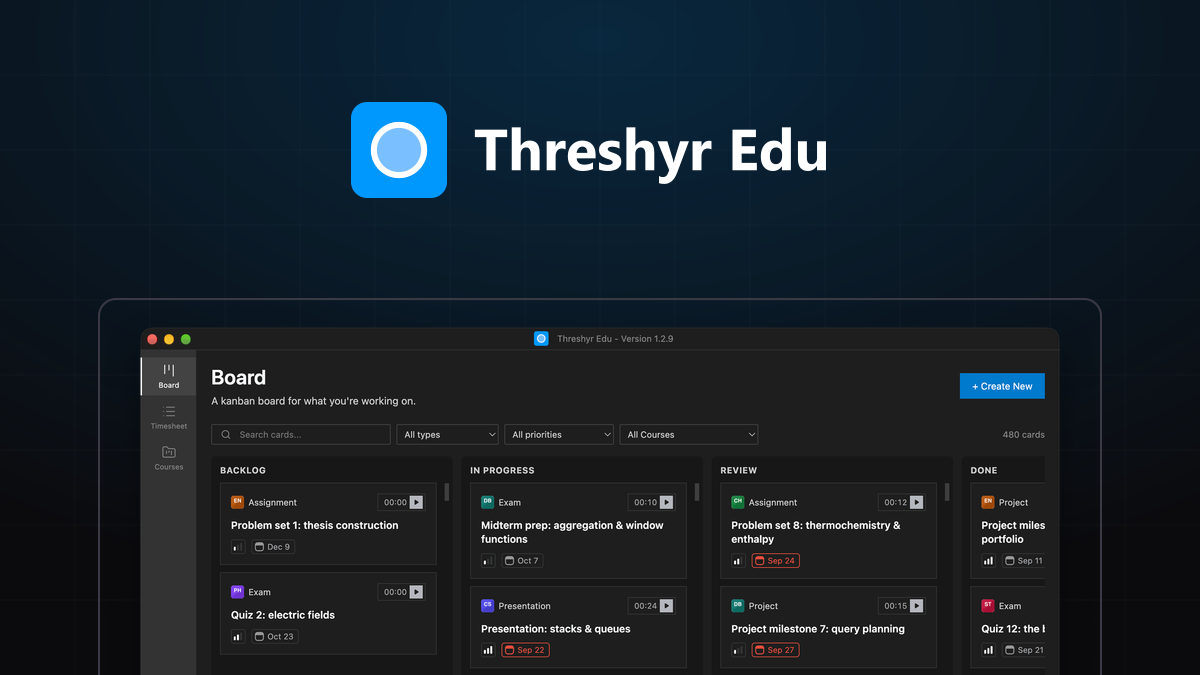
If You'd Rather Not Maintain It: Threshyr Edu
Threshyr Edu is a native desktop application designed specifically for university students, researchers, and professional exam candidates. It is 100% free forever, requires no account or credit card, and stores all coursework and study logs securely on your own computer.
Key features include:
It is available right now with one-click install:
Build your own for the fun of it, or let Threshyr Edu handle the tracking so you can focus on mastering your coursework.
Tags:#Vibe Coding#Study Tools#AI Coding#Productivity#Beginners#Education

#### Written by Affan Bajwa
Founder of Threshyr. Passionate about local-first software architecture, developer productivity, and building privacy-first tools for knowledge workers.
Get Threshyr Edu
Free forever on the Microsoft Store and Mac App Store. No account, no ads, no payment details.
Get fromMicrosoft StoreGet fromMac App Store
Related Articles
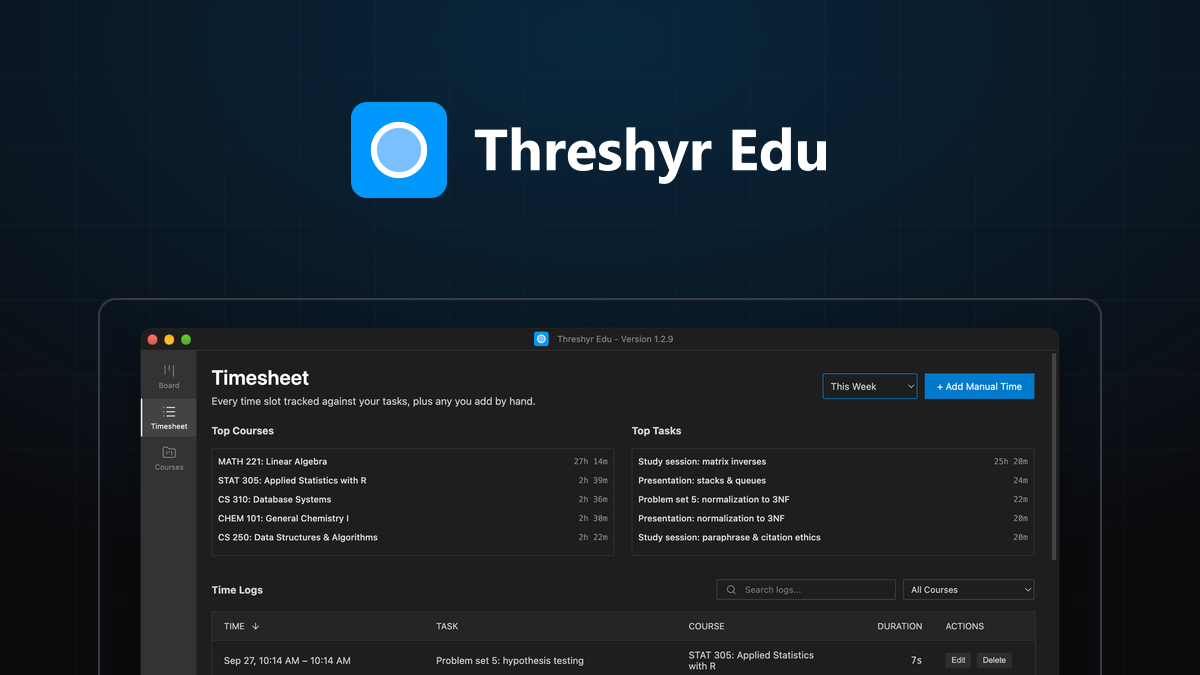
Credit Hours vs Reality: Auditing How Much Time Your Degree Actually Takes
Universities claim that every credit hour requires 2–3 hours of outside study. Here is how to audit your real coursework hours using Threshyr Edu timesheets.
 Affan Bajwa7 min read
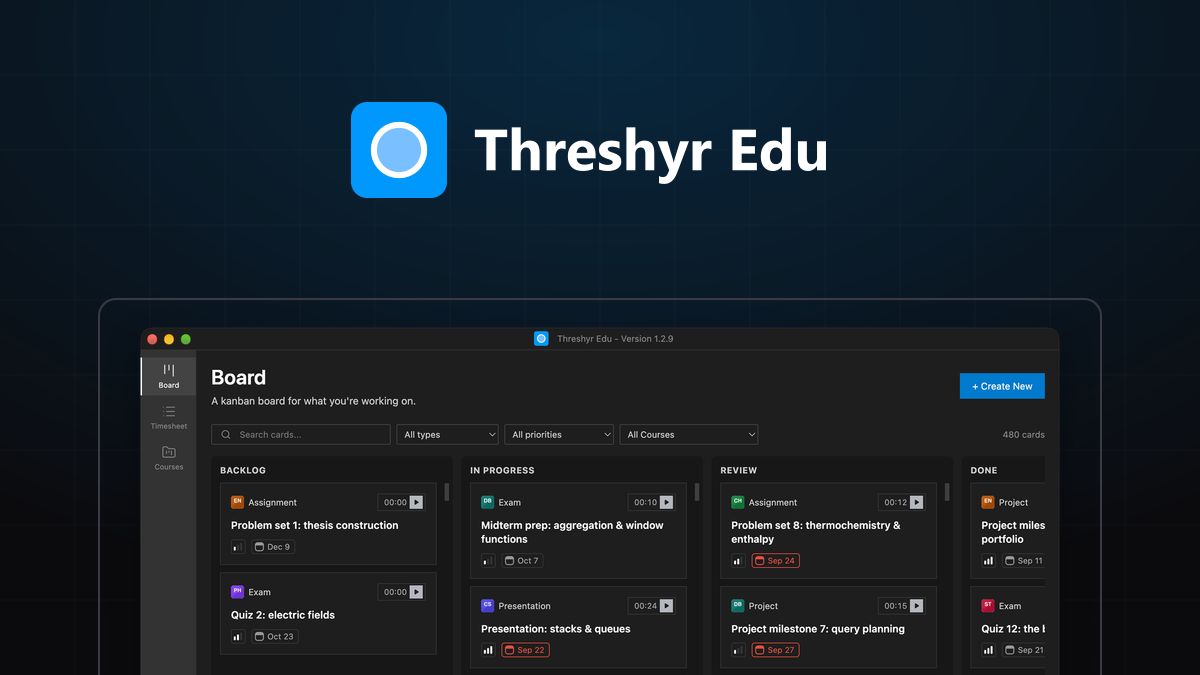
Why Med and Law Students Are Ditching Gamified Phone Timers for Desktop Tracking
Why studying for the USMLE, Bar Exam, or MCAT demands moving away from gamified mobile timers toward distraction-free desktop tracking with Threshyr Edu.
Affan Bajwa7 min read