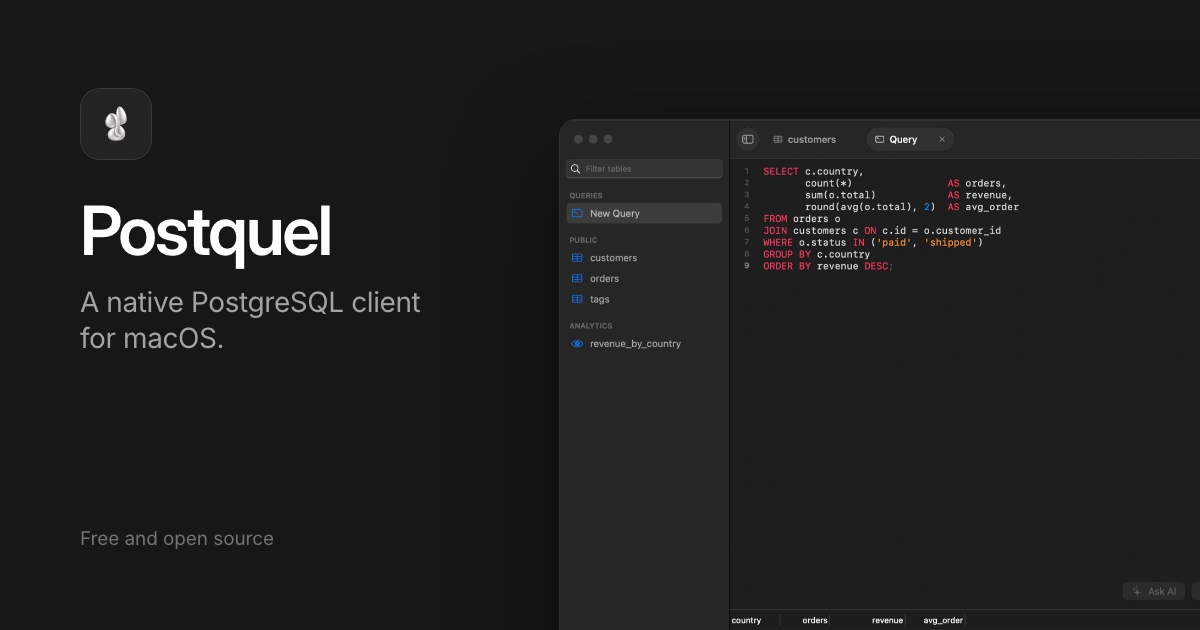

Postquel
What it does
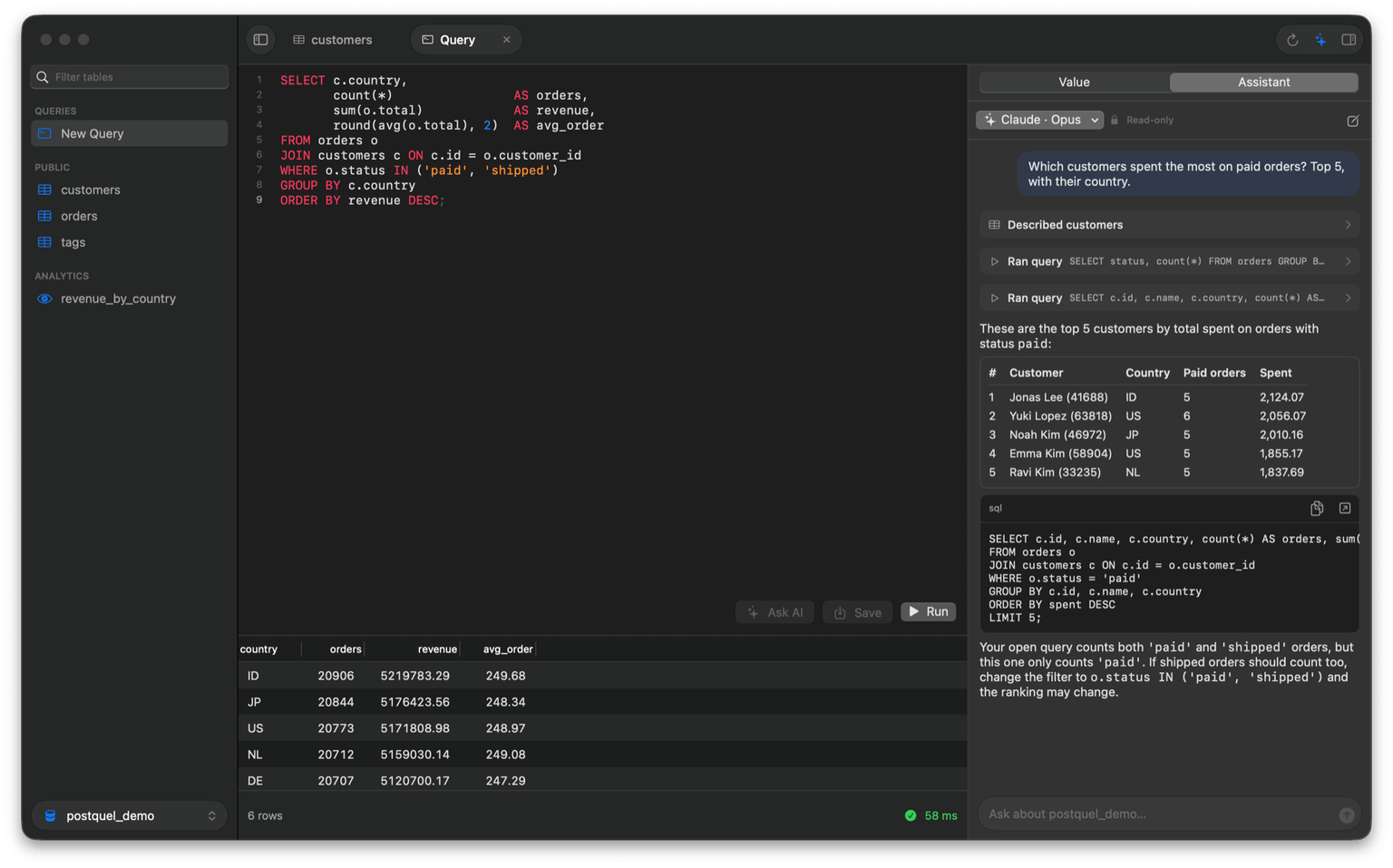
TablesBrowse and edit rows, follow foreign keys to the rows they point at, and switch between content, structure and DDL. Structure changes are saved together in one transaction, after an SQL preview.
QueriesKeep a whole file of queries open; Command Return⌘ runs just the one under your cursor. Results sort when you click a column, every run is timed, and the queries you keep reaching for can be saved to the sidebar.
AssistantAsk it things like “which customers spent the most last month?”, or type what you want and it writes the query. It reads the real schema and runs read-only queries. Changes are only proposed, for you to dry-run and apply.
Bring your own AIUses Claude Code, Codex or Cursor Agent, whichever is installed and signed in, with any of their models. Postquel stores no API keys.
NativeSwiftUI and AppKit on libpq, with Liquid Glass on macOS 26. SSH tunnels, and passwords kept in your Keychain.
Get it
Download the DMG, open it and drag Postquel to Applications. It's signed and notarized by Apple, and brings its own PostgreSQL client library, so there's nothing else to install.
The assistant needs Claude Code, Codex or Cursor Agent installed and signed in. Postquel is still early; what changed in each version is on the releases page (opens in a new tab), and the MIT-licensed source is on GitHub if you'd rather build it yourself.